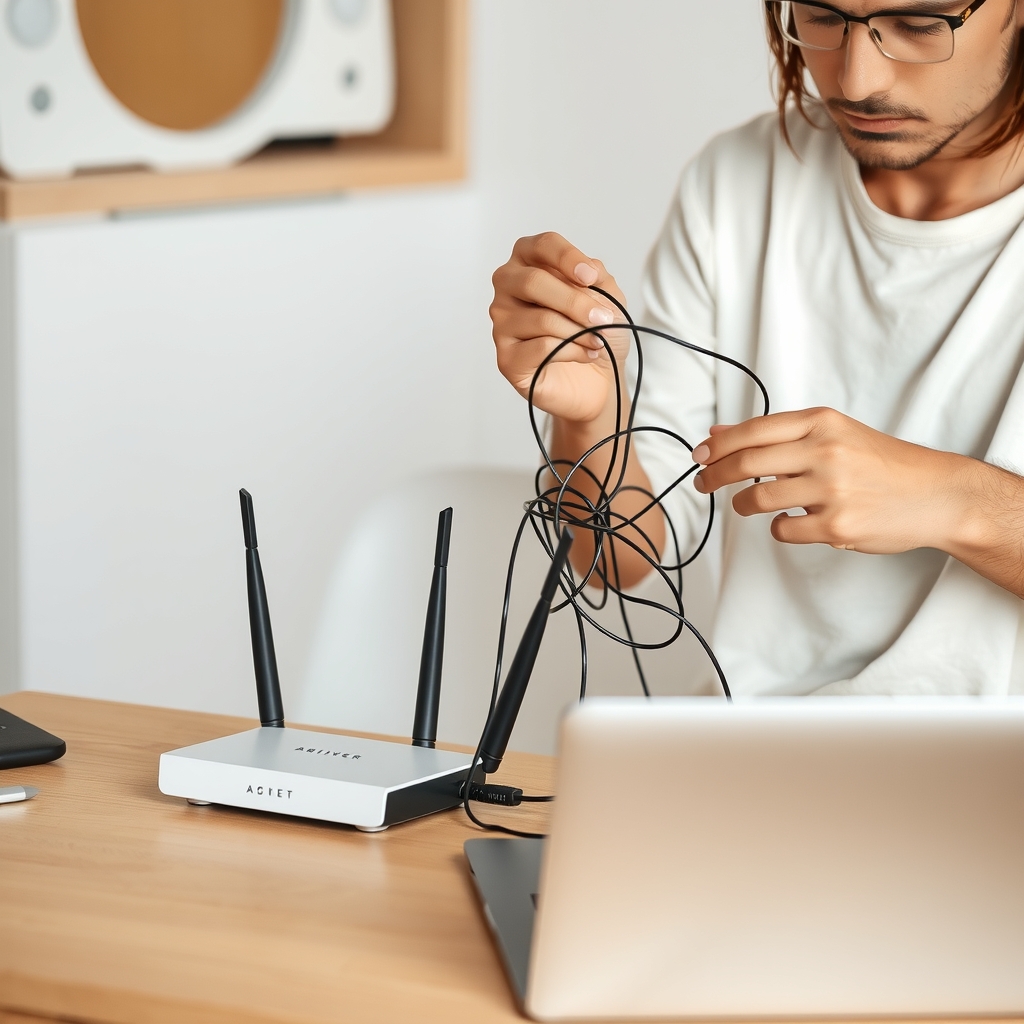
Fixing slow Wi-Fi at home
Restart order, router placement, channel changes and when a mesh system is worth it.
TechBot walks you through fixing Wi-Fi, printers, email, backups, new devices and slow computers step by step, for households and small offices without an IT person.
How it works
Services & pricing
Clear scope, prices up front. Pick a service and TechBot confirms details by email before any work or payment.
Describe the problem; get plain-language steps and checks until it's fixed.
Setup, transfer and privacy settings for your new phone, laptop or tablet.
Router placement, security settings and dead-zone fixes for your home.
A backup routine for photos and files, with automatic and offsite copies.
Accounts, passwords, backups and device list for an office of up to 20.
Which laptop, printer or router fits your needs and budget, with plain reasons.
Home & Office Tech Help guides
Practical home & office tech help knowledge from the same playbook TechBot works from.
Restart order, router placement, channel changes and when a mesh system is worth it.
Three copies, two kinds of storage and one copy offsite. How to set it up at home.
Why they're safer than notebooks and reused passwords, and how to set one up for a household.
Pop-ups, surprise calls and remote-access requests. What real support never asks you to do.
Newsletter
One common tech problem and the clearest fix, every Friday. Free, and one click to leave.
Sponsorship
Router, backup storage and device-repair companies sponsor Fix-It Friday to reach households and home offices.
Logo and one-line mention in a month of issues.
Featured slot in every issue for a month, plus a guide sponsorship.
Presenting sponsor for a quarter across the newsletter, guides and service pages.
FAQ
No. It guides you through each step, so no one else has access to your device.
Windows and Mac computers, phones, tablets, printers, routers, smart TVs and common smart-home devices.
TechBot helps you confirm it and tells you what to ask a repair shop.
For developers & agents
TechBot speaks MCP and A2A. Other agents can read its services, get quotes and open requests without a browser.
POST https://techbot.com/api/mcp
{"jsonrpc":"2.0","id":1,"method":"tools/call",
 "params":{"name":"get_quote",
  "arguments":{"service":"Step-by-step fix"}}}
Related agents





Operators, niche experts and investors can join the venture behind TechBot.com.